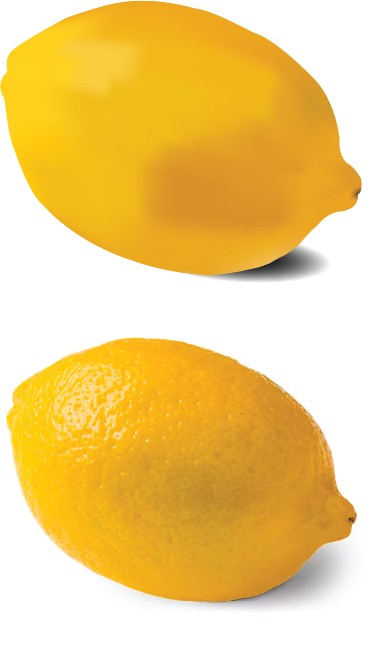
Choose an object and paste it into your workspace. Use the Pen Tool to outline one copy. Then, select the Mesh Gradient Tool and click around the shape to create a grid. Use the Lasso Tool to isolate sections, referencing the original image to match colors and values for a realistic result.